🎙 Podcast Version
2-host dialogue — ALEX & SAM discuss this course.
Building a Self-Evolving Knowledge Engine: Integrating AI Agents for Automated Research and Synthesis
Overview
This course explores the architecture of a "self-evolving" knowledge system—a sophisticated integration of AI agents and personal knowledge management (PKM) tools. It covers the transition from using AI as a simple chatbot to using it as an autonomous agent capable of executing multi-step research workflows. By examining the synergy between Claude Code, NotebookLM, and Obsidian, students will learn how to build a system that captures, analyzes, and stores information in a way that grows in intelligence and connectivity over time.
Background & Context
For years, the primary friction in knowledge work has been the "gap" between discovery and synthesis. Users typically find information in one place, analyze it in another, and manually save it in a third, leading to fragmented data and forgotten insights. This system, highlighted by @monokern, solves this by automating the pipeline of information flow.
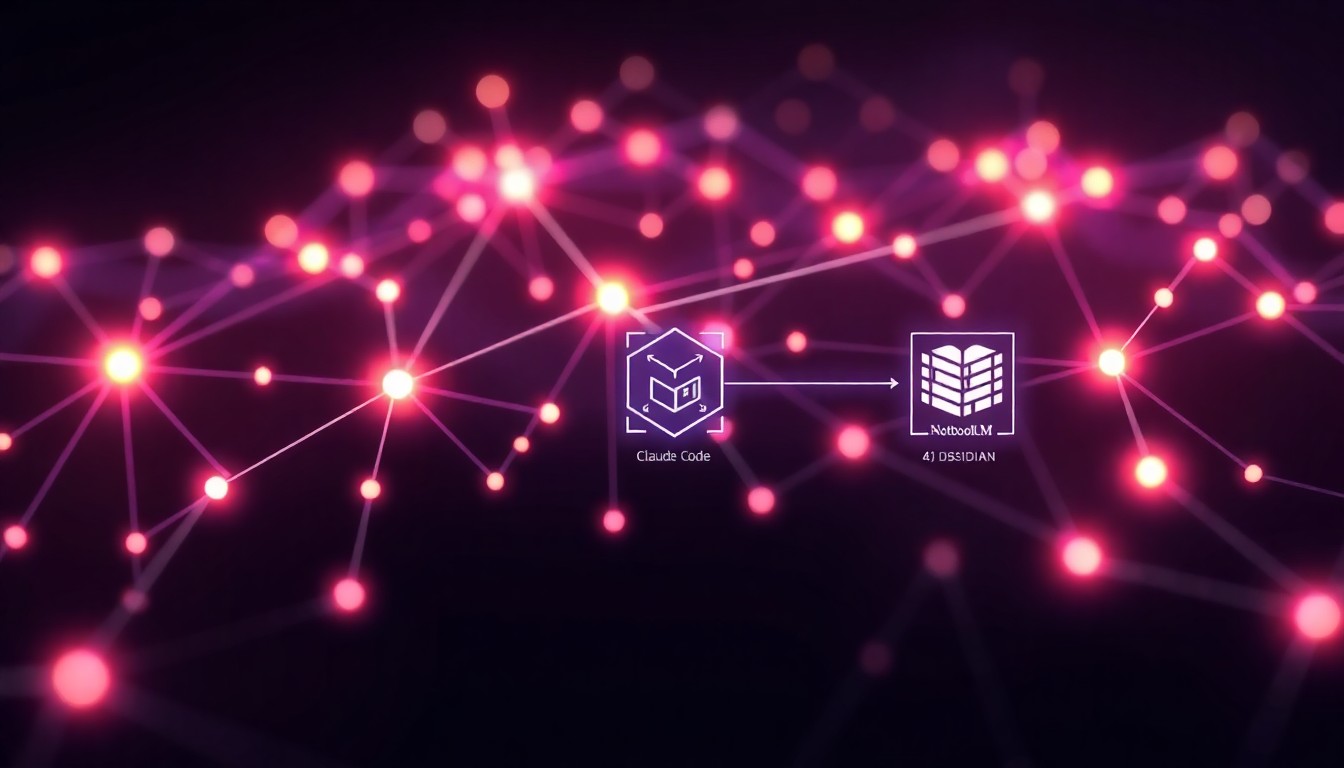
This approach fits into the broader landscape of "Agentic Workflows," where the AI is not just generating text but interacting with a file system and external tools to perform tasks. Instead of the user acting as the "glue" between different software applications, the AI agent becomes the orchestrator. This transforms a static database of notes into a dynamic "galaxy" of interconnected ideas, creating a compounding effect where every new piece of information strengthens the existing knowledge base.
Core Concepts
Agentic Orchestration (via Claude Code)
Agentic orchestration refers to the ability of an AI to execute a series of complex, multi-step tasks based on a single high-level command. In this system, Claude Code acts as the "brain" or the primary interface. Unlike a standard chat window, an agentic interface can interact with the local environment, execute scripts, and trigger other applications.
For example, instead of asking an AI to "summarize this article," a user gives a command like "Research the current state of quantum computing and integrate it into my knowledge base." The agent then determines the necessary steps: searching for sources, analyzing the data, and formatting the output for storage. This removes the manual labor of copy-pasting and allows the user to focus on high-level direction rather than administrative execution.
Automated Synthesis (via NotebookLM)
Synthesis is the process of combining disparate pieces of information to form a coherent conclusion or a new insight. NotebookLM serves as the specialized analysis layer in this workflow. While a general LLM can summarize, a tool like NotebookLM is designed for "grounded" analysis, meaning it focuses specifically on the provided sources to minimize hallucinations and maximize accuracy.
In this workflow, the agent feeds raw sources into the analysis engine, which then extracts key themes, identifies contradictions, and generates structured insights. This ensures that the information entering the permanent knowledge base is not just raw data, but processed intelligence. This step is critical because it transforms "information" (raw data) into "knowledge" (contextualized data).
The Knowledge Graph (via Obsidian)
A knowledge graph is a non-linear method of storing information where notes are connected via bidirectional links, mimicking the associative nature of the human brain. Obsidian is the tool used here to visualize this "galaxy" of ideas. Rather than using folders, the system uses links (e.g., Topic A) to create a web of relationships.
As the AI agent automatically saves analysis into Obsidian, it doesn't just create isolated files; it creates a network. Over time, this creates a visual map—the "galaxy"—where clusters of related ideas emerge. This allows the user to see connections between concepts they may have forgotten, effectively creating a "second brain" that gets smarter and more interconnected every time the system is used.
How It Works / Step-by-Step
The system operates as a closed-loop pipeline that moves from a single trigger to a permanent, linked record.
Step 1: The Single Command Trigger
The process begins with a high-level prompt entered into Claude Code. The user provides a goal (e.g., "Analyze the impact of Llama 3 on edge computing"). The agent interprets this goal and breaks it down into a series of sub-tasks: source discovery, data extraction, and synthesis.
Step 2: Autonomous Source Discovery
The agent searches for relevant sources. This can include web scraping, searching academic databases, or querying existing local files. The agent filters these sources for quality and relevance, ensuring that only high-signal information moves forward in the pipeline.
Step 3: Grounded Analysis in NotebookLM
The gathered sources are passed to NotebookLM. Here, the AI performs a deep dive into the material. It creates summaries, identifies key arguments, and generates a structured synthesis. This step ensures that the final output is grounded in the actual source material rather than the AI's general training data.
Step 4: Automated Storage and Linking
The final synthesis is automatically pushed into Obsidian. The agent doesn't just save a text file; it formats the note with appropriate metadata and links it to existing notes.
- Example: If the analysis mentions "Neural Networks," the agent automatically adds a link to the existing
Neural Networksnote in the Obsidian vault.
Step 5: Visual Expansion of the Graph
As the note is saved, the Obsidian Graph View updates. The new note appears as a node, and the links appear as edges connecting it to other nodes. This creates the "galaxy" effect, where the user can visually navigate their entire intellectual history.
Real-World Examples & Use Cases
Scenario 1: Academic Research
A PhD student wants to track the evolution of a specific scientific theory. They command the agent to "Find the three most cited papers on [Topic] from the last six months and synthesize their findings." The system finds the papers, analyzes them via NotebookLM, and creates a "Literature Review" note in Obsidian that links to previous research from two years ago, instantly showing how the theory has evolved.
Scenario 2: Market Intelligence
A product manager needs to stay updated on competitor moves. They use a command: "Monitor these five competitor blogs and update my 'Competitive Landscape' map." The agent scrapes the blogs, synthesizes the key strategic shifts, and updates the Obsidian graph, highlighting new clusters of competitor activity.
Scenario 3: Personal Learning/Curiosity
A hobbyist learning about architecture can command the agent to "Research the influence of Gothic architecture on modern skyscrapers." The system gathers sources, analyzes the stylistic links, and populates the Obsidian vault. The user then opens the graph view and sees a visual bridge forming between the "History" cluster and the "Modern Engineering" cluster.
Key Insights & Takeaways
- Shift from Chat to Agent: The value is not in the AI's ability to answer a question, but in its ability to execute a multi-tool workflow autonomously.
- Compounding Intelligence: The system "gets smarter" because every new note increases the connectivity of the graph, making future discoveries easier.
- Groundedness is Mandatory: Using a tool like NotebookLM prevents the "hallucination" problem by forcing the AI to work only with the provided sources.
- Automation of Administrative Overhead: By automating the saving and linking process, the user eliminates the "friction" that usually leads to the abandonment of personal knowledge management systems.
- Visualizing Thought: The "galaxy" (graph view) serves as a cognitive map, allowing the user to see the "shape" of their knowledge and identify gaps in their understanding.
Common Pitfalls / What to Watch Out For
- The "Noise" Problem: If the agent is too permissive in what it saves, the Obsidian graph can become a "hairball" of useless connections. Users must set strict filtering criteria for what constitutes a "save-worthy" insight.
- Over-Reliance on Automation: There is a risk of "passive consumption," where the user has a massive graph of notes but hasn't actually internalized the information. The system should be used to facilitate thinking, not replace it.
- API and Integration Fragility: Because this system relies on multiple tools (Claude, NotebookLM, Obsidian), a change in one tool's API or interface can break the entire pipeline. Robust error handling and modularity are necessary.
Review Questions
- How does the role of Claude Code differ from a standard LLM chat interface in this specific workflow?
- Why is the integration of NotebookLM essential for the "grounding" of the knowledge, and what would happen if this step were skipped?
- If a user's Obsidian graph looks like a series of isolated dots rather than a "galaxy," what does this indicate about the agent's linking process, and how can it be fixed?
Further Learning
- Agentic Frameworks: Explore frameworks like LangChain or AutoGPT to understand how to build custom agents that can interact with local file systems.
- Zettelkasten Method: Study the Zettelkasten method of note-taking to understand the theoretical basis for the "linked notes" approach used in Obsidian.
- RAG (Retrieval-Augmented Generation): Learn about RAG to understand how the system retrieves specific pieces of information from the Obsidian vault to inform future AI responses.